

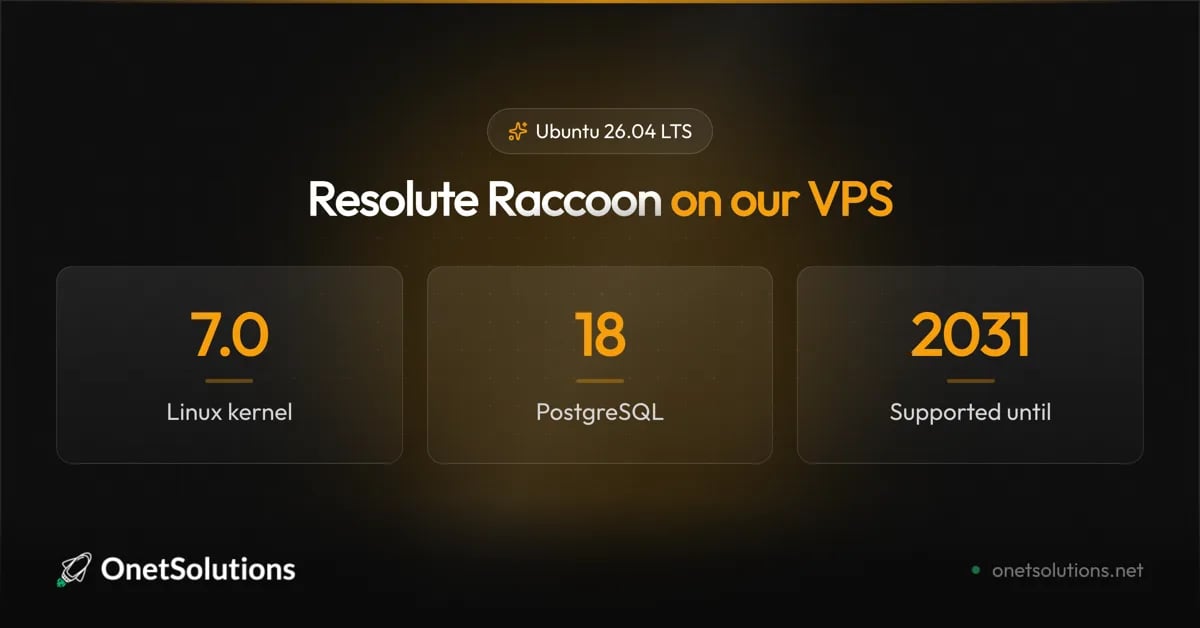
Ubuntu 26.04 LTS Resolute Raccoon available on OnetSolutions VPS Published on August 12, 2026 Ubuntu 26.04 LTS, codenamed Resolute Raccoon, was released on 23 April 2026. It is now available as a one-click install on our VPS. Five years of free security updates, through April 2031, extendable to ten with an Ubuntu Pro subscription. For a server you intend to leave alone, that is the number that matters.

What you actually get

The headline is Linux 7.0, but on a server the interesting changes are lower down the stack. PostgreSQL 18 is the upgrade worth planning around: its new I/O subsystem brings substantial gains on read-heavy workloads. PHP 8.5 matters if you host applications; check your framework’s compatibility before you move. Post-quantum cryptography also lands as a default rather than an experiment. OpenSSL ships ML-KEM, ML-DSA and SLH-DSA, and OpenSSH 10.2 supports post-quantum key exchange.

Read this before migrating

This release removes things. Four changes can break a working server, and none of them announce themselves loudly.
cgroup v1 is gone. systemd 259 drops support for the legacy and hybrid cgroup hierarchies. If you run an older container runtime, or you pinned systemd.unified_cgroup_hierarchy=0 on a kernel command line years ago to fix something, that workaround is now a boot problem.
sudo-rs is the default sudo provider. A memory-safe reimplementation, and a deliberate reduction in attack surface — but it does not cover every option of the original. Exotic sudoers rules deserve a test before you rely on them in production. apt-key is removed. APT 3.1 also switches from GnuTLS to OpenSSL. Any provisioning script still calling apt-key add will fail. Keys belong in /etc/apt/keyrings/ with a signed-by= reference in the source entry. DSA is removed from OpenSSH. The algorithm has been deprecated for years, but if an old key or an embedded device still relies on it, the connection simply stops working. Two more worth noting: chrony replaces systemd-timesyncd as the default time daemon, and 26.04 is the last release to keep the systemd compatibility layer for System V init scripts. If you still ship one, this is your notice.

Deploying a new server

Pick Ubuntu 26.04 LTS when you order your instance, and it is installed and ready in a few minutes. Nothing else to do. Confirm what you are on once it boots:

Upgrading an existing server

The upgrade path is constrained. From 22.04 LTS or 25.04, you cannot jump straight to 26.04: go through 24.04 LTS or 25.10 first. Attempting the shortcut wastes an evening. Check what your machine is actually offered:
Then, once the upgrade is offered:
Take a snapshot before you start. A distribution upgrade is the textbook case for one: if PostgreSQL does not come back up or a service refuses to start, you roll back in two minutes instead of debugging at midnight. Our step-by-step guide is in the Ubuntu upgrade tutorial.
A pattern worth resisting: upgrading a production server the same week an LTS lands. There is no prize for being early, and a fresh instance on 26.04 with your application redeployed onto it is almost always less painful than an in-place upgrade of a machine that has been accumulating history for four years.

Should you move?

If you are on 24.04 LTS, there is no urgency — it is supported until 2029. Move when PostgreSQL 18 or PHP 8.5 buys you something concrete. If you are on 22.04 LTS, standard support ends in April 2027. Start planning; the path runs through 24.04 anyway. If you are deploying something new, take 26.04 and buy yourself five years of quiet. Ready to try it? Deploy an Ubuntu 26.04 LTS instance from your client area.