

1. Automatic updates on core, on purpose
Minor core releases carry the security fixes, and they are designed to be safe to apply blind. WordPress.org pushed forced updates for wp2shell — but only to sites where auto-updates were enabled and core files were writable.2. Delay plugin updates, do not disable them
This is the one counter-intuitive item, and the ARVE incident is the argument for it. Plugin backdoors are caught fast — this one in under two hours — but they are caught after publication. Applying every plugin update the minute it lands puts you first in line for a compromised release. Never applying them leaves you exposed to ordinary vulnerabilities, which are far more common. The middle ground: automatic updates for plugins, deliberately lagging by a few days, with security releases exempt from the delay. Whatever tool you use to manage sites at scale, this is the setting to look for. If you manage a handful of sites by hand, the same logic applies with less machinery: check for updates weekly, apply security ones immediately and the rest at your next pass.3. Fewer plugins
Every plugin is a standing grant of code execution to a third party, renewed on every update. The strongest control is a shorter list.4. Least privilege on accounts
The wp2shell chain ends by creating an administrator. Plenty of attacks end by using one that was lying around. Most people who log into a WordPress site do not need to install plugins. Editor is enough to publish. Administrator should be a role held by one or two people, not the default for everyone with a login.5. Cut off code execution in uploads
A web shell has to land somewhere, andwp-content/uploads is where it usually lands. That directory holds images and PDFs. It has no business executing PHP.
For nginx:
.htaccess at the root of wp-content/uploads:
6. Disable file editing from the dashboard
The dashboard’s built-in plugin and theme editor lets anyone with administrator rights write PHP straight to disk. It is a convenience worth almost nothing and an escalation path worth a great deal.DISALLOW_FILE_MODS also blocks installing and updating plugins and themes from the dashboard — appropriate for sites deployed from a repository, and disruptive for sites managed by hand. Note that it disables automatic plugin updates too, so only use it where the pipeline handles updates.
7. Backups you have restored at least once
Every incident response above ends the same way: restore from a backup predating the compromise. That step only works if the backup exists, reaches far enough back, and actually restores. Three properties matter, and only the first is usually checked:- The backup runs. Easy to verify, and where most people stop.
- Retention outlives detection. A compromise found in September needs an August backup. Seven days of retention is not a security backup, it is an undo button.
- The restore has been tested. Restore to a staging site once. It is the only way to learn that the database dump was truncated, before you need it.
A five-minute check, right now
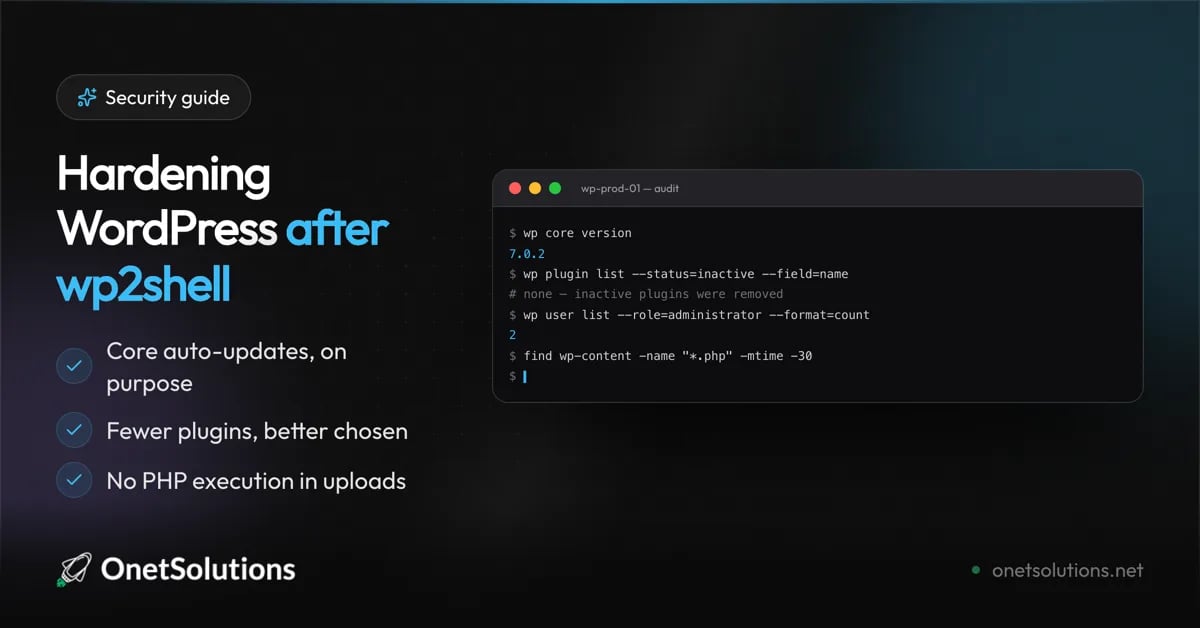
If you do nothing else after reading this, run these four:None of this makes a site unbreakable. It shortens the list of things that break it, and it makes the ones that get through easier to spot and cheaper to recover from. That is what hardening is.