> ## Documentation Index
> Fetch the complete documentation index at: https://blog.onetsolutions.net/llms.txt
> Use this file to discover all available pages before exploring further.
# Ubuntu 26.04 LTS Resolute Raccoon Is Available on Our VPS
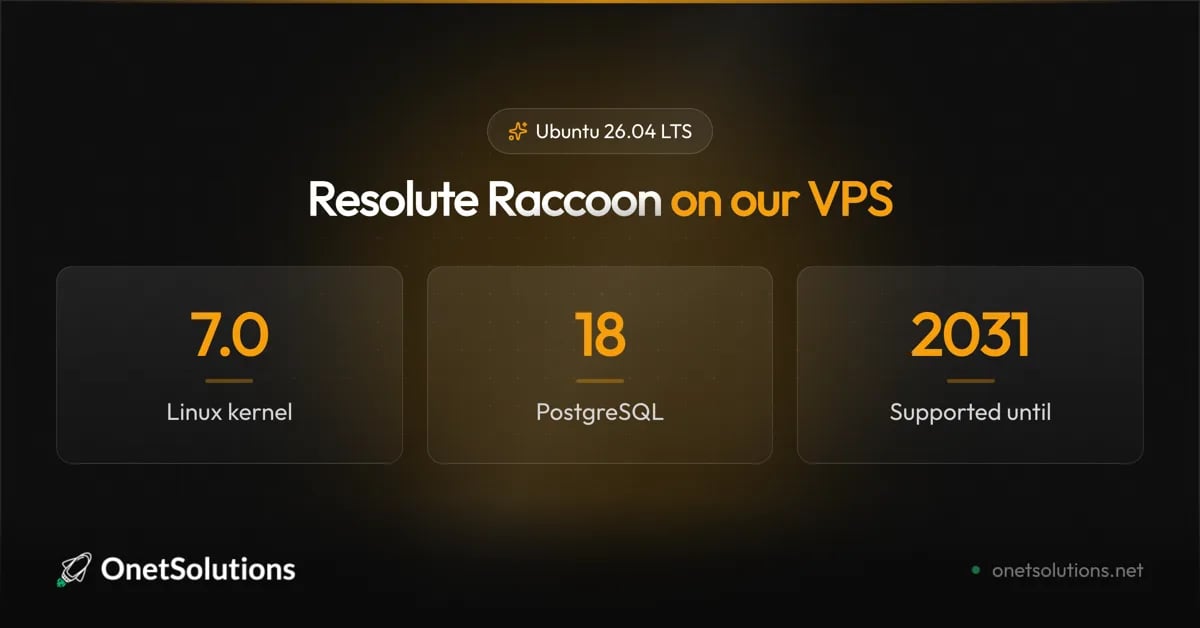
> Linux 7.0, PHP 8.5, PostgreSQL 18 and support until 2031 — plus the breaking changes to check before you migrate a production server.
 *Published on August 12, 2026*
Ubuntu 26.04 LTS, codenamed **Resolute Raccoon**, was released on 23 April 2026. It is now available as a one-click install on our VPS.
Five years of free security updates, through **April 2031**, extendable to ten with an Ubuntu Pro subscription. For a server you intend to leave alone, that is the number that matters.
## What you actually get
The headline is Linux **7.0**, but on a server the interesting changes are lower down the stack.
| Component | 24.04 LTS | 26.04 LTS |
| ------------ | --------- | ----------- |
| Linux kernel | 6.8 | **7.0** |
| systemd | 255 | **259** |
| OpenSSH | 9.6p1 | **10.2p1** |
| Python | 3.12 | **3.14** |
| PHP | 8.3 | **8.5** |
| PostgreSQL | 16 | **18** |
| MySQL | 8.0 | **8.4 LTS** |
| Netplan | 1.0 | **1.2** |
| Go | 1.22 | **1.25** |
| Rust | 1.75 | **1.93** |
| OpenJDK | 21 | **25** |
PostgreSQL 18 is the upgrade worth planning around: its new I/O subsystem brings substantial gains on read-heavy workloads. PHP 8.5 matters if you host applications; check your framework's compatibility before you move.
Post-quantum cryptography also lands as a default rather than an experiment. OpenSSL ships ML-KEM, ML-DSA and SLH-DSA, and OpenSSH 10.2 supports post-quantum key exchange.
## Read this before migrating
This release removes things. Four changes can break a working server, and none of them announce themselves loudly.
**cgroup v1 is gone.** systemd 259 drops support for the legacy and hybrid cgroup hierarchies. If you run an older container runtime, or you pinned `systemd.unified_cgroup_hierarchy=0` on a kernel command line years ago to fix something, that workaround is now a boot problem.
**`sudo-rs` is the default sudo provider.** A memory-safe reimplementation, and a deliberate reduction in attack surface — but it does not cover every option of the original. Exotic `sudoers` rules deserve a test before you rely on them in production.
**`apt-key` is removed.** APT 3.1 also switches from GnuTLS to OpenSSL. Any provisioning script still calling `apt-key add` will fail. Keys belong in `/etc/apt/keyrings/` with a `signed-by=` reference in the source entry.
**DSA is removed from OpenSSH.** The algorithm has been deprecated for years, but if an old key or an embedded device still relies on it, the connection simply stops working.
Two more worth noting: **chrony replaces systemd-timesyncd** as the default time daemon, and 26.04 is the **last release** to keep the systemd compatibility layer for System V init scripts. If you still ship one, this is your notice.
## Deploying a new server
Pick Ubuntu 26.04 LTS when you order your instance, and it is installed and ready in a few minutes. Nothing else to do.
Confirm what you are on once it boots:
```bash theme={null}
# Distribution and codename
lsb_release -a
# Kernel — expect a 7.0 series
uname -r
```
## Upgrading an existing server
The upgrade path is constrained. From **22.04 LTS or 25.04, you cannot jump straight to 26.04**: go through 24.04 LTS or 25.10 first. Attempting the shortcut wastes an evening.
Check what your machine is actually offered:
```bash theme={null}
# Full update of the current release first
sudo apt update && sudo apt full-upgrade
sudo reboot
# What upgrade is available, if any
do-release-upgrade -c
```
Then, once the upgrade is offered:
```bash theme={null}
sudo do-release-upgrade
```
Take a [snapshot](https://help.onetsolutions.net/vps/snapshot) before you start. A distribution upgrade is the textbook case for one: if PostgreSQL does not come back up or a service refuses to start, you roll back in two minutes instead of debugging at midnight. Our step-by-step guide is in the [Ubuntu upgrade tutorial](https://help.onetsolutions.net/tutorials/how-to-upgrade-ubuntu-to-latest-version).
A pattern worth resisting: upgrading a production server the same week an LTS lands. There is no prize for being early, and a fresh instance on 26.04 with your application redeployed onto it is almost always less painful than an in-place upgrade of a machine that has been accumulating history for four years.
## Should you move?
If you are on **24.04 LTS**, there is no urgency — it is supported until 2029. Move when PostgreSQL 18 or PHP 8.5 buys you something concrete.
If you are on **22.04 LTS**, standard support ends in April 2027. Start planning; the path runs through 24.04 anyway.
If you are **deploying something new**, take 26.04 and buy yourself five years of quiet.
Ready to try it? [Deploy an Ubuntu 26.04 LTS instance](https://console.onetsolutions.net/checkout/compute) from your client area.
*Published on August 12, 2026*
Ubuntu 26.04 LTS, codenamed **Resolute Raccoon**, was released on 23 April 2026. It is now available as a one-click install on our VPS.
Five years of free security updates, through **April 2031**, extendable to ten with an Ubuntu Pro subscription. For a server you intend to leave alone, that is the number that matters.
## What you actually get
The headline is Linux **7.0**, but on a server the interesting changes are lower down the stack.
| Component | 24.04 LTS | 26.04 LTS |
| ------------ | --------- | ----------- |
| Linux kernel | 6.8 | **7.0** |
| systemd | 255 | **259** |
| OpenSSH | 9.6p1 | **10.2p1** |
| Python | 3.12 | **3.14** |
| PHP | 8.3 | **8.5** |
| PostgreSQL | 16 | **18** |
| MySQL | 8.0 | **8.4 LTS** |
| Netplan | 1.0 | **1.2** |
| Go | 1.22 | **1.25** |
| Rust | 1.75 | **1.93** |
| OpenJDK | 21 | **25** |
PostgreSQL 18 is the upgrade worth planning around: its new I/O subsystem brings substantial gains on read-heavy workloads. PHP 8.5 matters if you host applications; check your framework's compatibility before you move.
Post-quantum cryptography also lands as a default rather than an experiment. OpenSSL ships ML-KEM, ML-DSA and SLH-DSA, and OpenSSH 10.2 supports post-quantum key exchange.
## Read this before migrating
This release removes things. Four changes can break a working server, and none of them announce themselves loudly.
**cgroup v1 is gone.** systemd 259 drops support for the legacy and hybrid cgroup hierarchies. If you run an older container runtime, or you pinned `systemd.unified_cgroup_hierarchy=0` on a kernel command line years ago to fix something, that workaround is now a boot problem.
**`sudo-rs` is the default sudo provider.** A memory-safe reimplementation, and a deliberate reduction in attack surface — but it does not cover every option of the original. Exotic `sudoers` rules deserve a test before you rely on them in production.
**`apt-key` is removed.** APT 3.1 also switches from GnuTLS to OpenSSL. Any provisioning script still calling `apt-key add` will fail. Keys belong in `/etc/apt/keyrings/` with a `signed-by=` reference in the source entry.
**DSA is removed from OpenSSH.** The algorithm has been deprecated for years, but if an old key or an embedded device still relies on it, the connection simply stops working.
Two more worth noting: **chrony replaces systemd-timesyncd** as the default time daemon, and 26.04 is the **last release** to keep the systemd compatibility layer for System V init scripts. If you still ship one, this is your notice.
## Deploying a new server
Pick Ubuntu 26.04 LTS when you order your instance, and it is installed and ready in a few minutes. Nothing else to do.
Confirm what you are on once it boots:
```bash theme={null}
# Distribution and codename
lsb_release -a
# Kernel — expect a 7.0 series
uname -r
```
## Upgrading an existing server
The upgrade path is constrained. From **22.04 LTS or 25.04, you cannot jump straight to 26.04**: go through 24.04 LTS or 25.10 first. Attempting the shortcut wastes an evening.
Check what your machine is actually offered:
```bash theme={null}
# Full update of the current release first
sudo apt update && sudo apt full-upgrade
sudo reboot
# What upgrade is available, if any
do-release-upgrade -c
```
Then, once the upgrade is offered:
```bash theme={null}
sudo do-release-upgrade
```
Take a [snapshot](https://help.onetsolutions.net/vps/snapshot) before you start. A distribution upgrade is the textbook case for one: if PostgreSQL does not come back up or a service refuses to start, you roll back in two minutes instead of debugging at midnight. Our step-by-step guide is in the [Ubuntu upgrade tutorial](https://help.onetsolutions.net/tutorials/how-to-upgrade-ubuntu-to-latest-version).
A pattern worth resisting: upgrading a production server the same week an LTS lands. There is no prize for being early, and a fresh instance on 26.04 with your application redeployed onto it is almost always less painful than an in-place upgrade of a machine that has been accumulating history for four years.
## Should you move?
If you are on **24.04 LTS**, there is no urgency — it is supported until 2029. Move when PostgreSQL 18 or PHP 8.5 buys you something concrete.
If you are on **22.04 LTS**, standard support ends in April 2027. Start planning; the path runs through 24.04 anyway.
If you are **deploying something new**, take 26.04 and buy yourself five years of quiet.
Ready to try it? [Deploy an Ubuntu 26.04 LTS instance](https://console.onetsolutions.net/checkout/compute) from your client area.